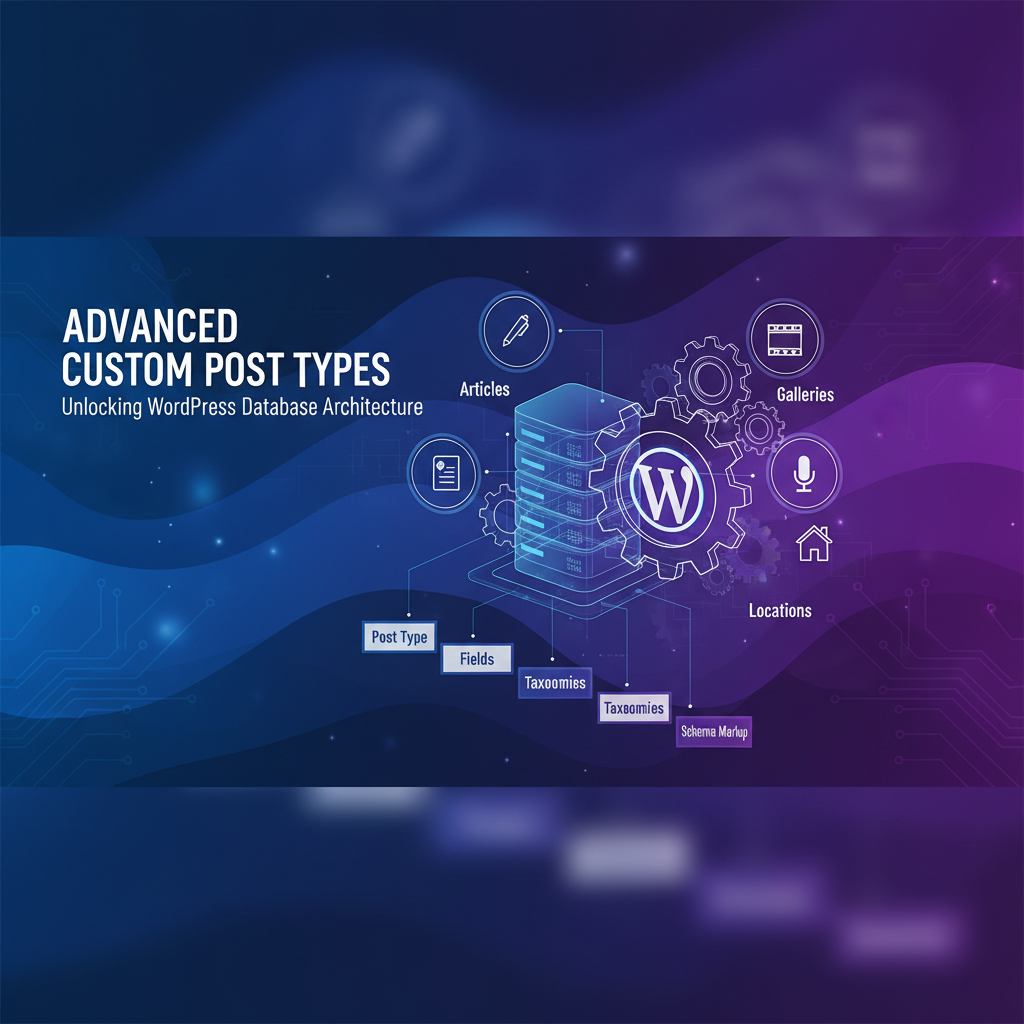
Understanding Custom Post Types
WordPress posts and pages are custom post types. You can create unlimited custom types for portfolios, testimonials, case studies, products, or any content your site needs.
Basic CPT Registration
Register a CPT using register_post_type() in your theme’s functions.php or a custom plugin:
register_post_type( 'portfolio', array(

  'public' => true,

  'label' => 'Portfolio',

  'supports' => array( 'title', 'editor', 'thumbnail' ),

  'has_archive' => true,

) );
Advanced CPT Arguments
Hierarchical Post Types
Set ‘hierarchical’ => true to enable parent/child relationships like pages. Perfect for organizing services, departments, or course modules.
Custom Taxonomies
Attach custom taxonomies to your CPT for better organization. Example: Attach ‘Portfolio Category’ and ‘Skill’ taxonomies to portfolio items.
Permalinks & Rewrites
Control URLs with the ‘rewrite’ argument: 'rewrite' => array( 'slug' => 'work' ) makes portfolio URLs /work/item-name/.
Querying Custom Post Types
Use WP_Query to retrieve CPT items: $args = array( 'post_type' => 'portfolio', 'posts_per_page' => 10 ); $query = new WP_Query( $args );
Performance Optimization
Always limit posts retrieved, use ‘fields’ => ‘ids’ if you only need IDs, and leverage meta_query for filtering by custom fields.
Display CPT Content
Create archive-portfolio.php and single-portfolio.php template files to display your CPT on the frontend. WordPress automatically routes CPT requests to these templates.
Pro tip: Use ACF (Advanced Custom Fields) to add custom data fields to your CPTs without manually writing meta queries.