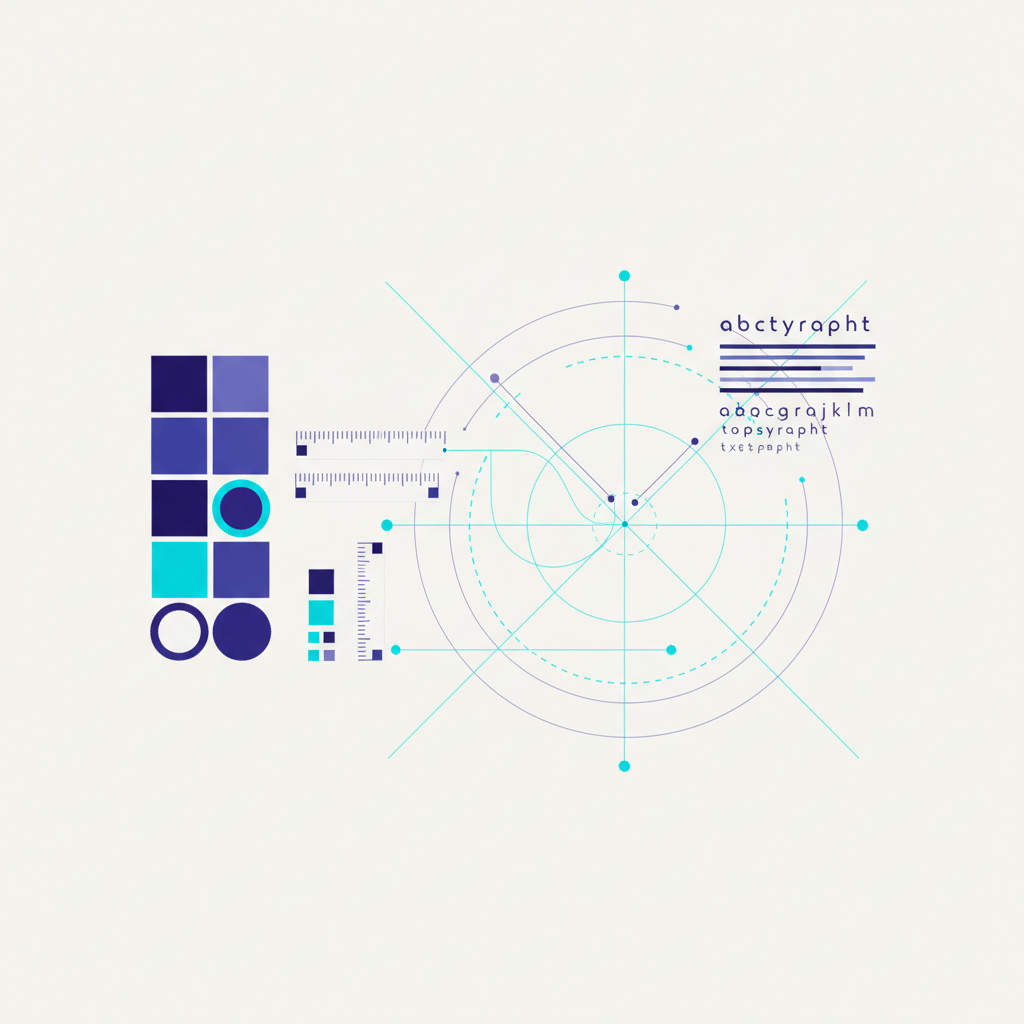
If you’ve ever changed a brand color across a WordPress site and missed a dozen places, you need design tokens. They turn scattered, hard-coded values into a single source of truth that keeps every page consistent.
What Are Design Tokens?
Design tokens are named variables for your design decisions — colors, spacing, font sizes, border radii, and shadows. Instead of writing a hex code in fifty places, you define it once as a token and reference that token everywhere. Change the token, and the whole site updates.
Why Tokens Matter for WordPress
WordPress projects sprawl. Themes, page builders, and custom blocks all carry their own styles, and inconsistency creeps in fast. Tokens enforce discipline: one spacing scale, one color palette, one type system. The payoff is a site that looks cohesive and is dramatically easier to maintain — especially across client projects.
Building Your Token System
Start With Color
Define your core palette as tokens: primary, secondary, accent, plus neutrals for text and backgrounds. Add semantic tokens too — like a “danger” or “success” color — so your intent is clear and swappable.
Add a Spacing Scale
Pick a consistent scale (for example, a base unit doubled and halved) and turn each step into a token. Using a fixed scale stops the random 13px and 27px margins that make layouts feel sloppy.
Tokenize Typography
Define font sizes, weights, and line heights as tokens. A scalable type system keeps headings and body text in harmonious proportion across every template.
Implementing Tokens in WordPress
Modern WordPress makes this clean. CSS custom properties let you declare tokens once in your stylesheet root and reference them anywhere — theme files, blocks, even inline styles. Block themes go further with theme.json, where you define a palette and spacing scale that flow into the editor itself, giving clients consistent options without freedom to break the design.
- Single source of truth — update a token, update the whole site.
- Editor consistency — theme.json surfaces tokens in the block editor.
- Reusable across projects — your token file becomes an agency asset.
Maintaining the System
A token system only works if everyone uses it. Document your tokens, name them by purpose rather than appearance (use “color-primary” not “blue”), and resist hard-coding new values. When a one-off creeps in, decide whether it deserves to become a token or be removed.
Final Thoughts
Design tokens transform WordPress styling from a tangle of magic numbers into a clean, maintainable system. Start with color, spacing, and type, wire them up with custom properties and theme.json, and enforce their use. The result is faster builds, effortless rebrands, and a consistency clients can feel.
Key Takeaways
- Focus on fundamentals over trends — consistency beats novelty.
- Measure before and after every change so you know what worked.
- Make focused, one-at-a-time improvements you can verify and reverse.
- Turn your process into a repeatable checklist for every project.
Frequently Asked Questions
What are design tokens in simple terms?
Named variables for design decisions — colors, spacing, fonts — defined once and reused everywhere, so changing one token updates the entire site.
How do I use tokens in a block theme?
Define your palette and spacing scale in theme.json. Those tokens flow into the block editor, giving consistent options without letting clients break the design.
Should I name tokens by color or purpose?
By purpose. Use names like ‘color-primary’ rather than ‘blue’ so you can rebrand without renaming tokens across the whole codebase.