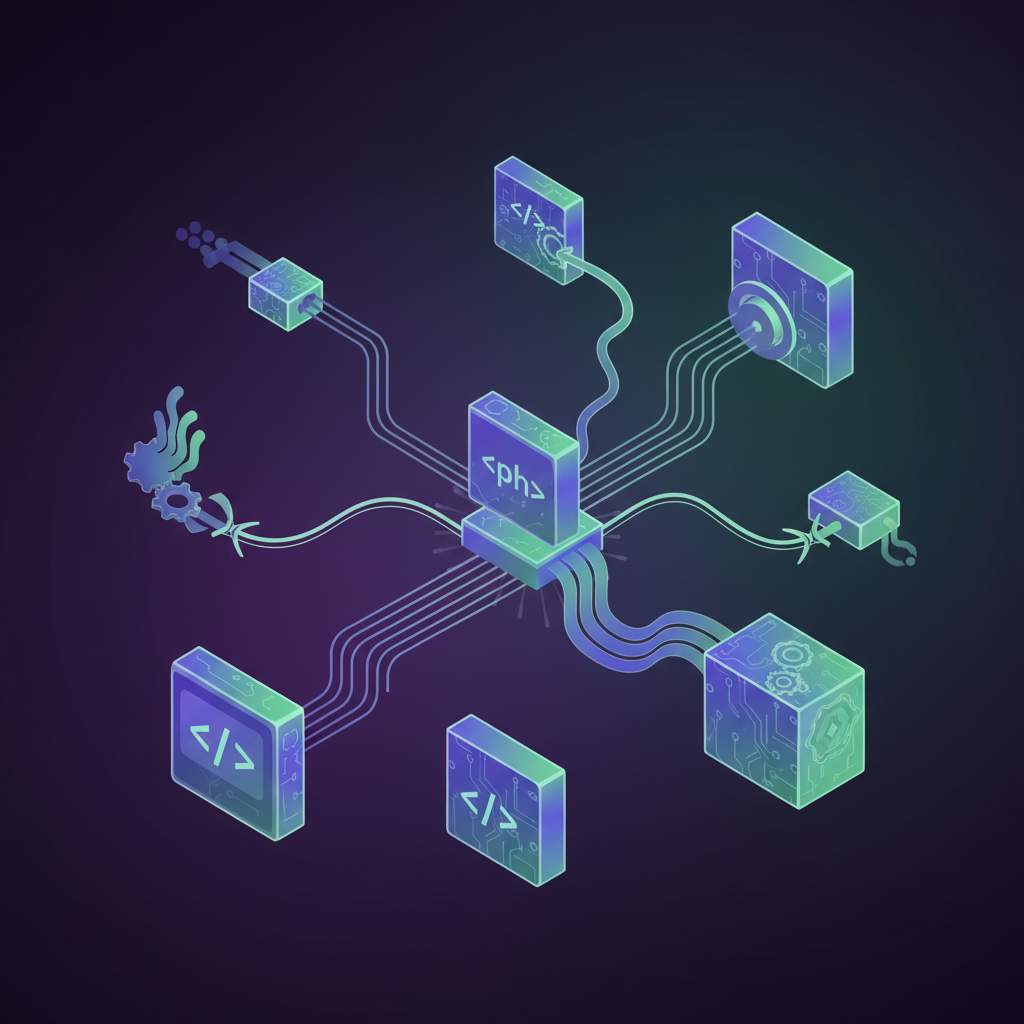
What Are WordPress Hooks?
Hooks let developers attach custom code to specific points in WordPress execution without modifying core files. There are two types: Actions and Filters.
Actions: Execute Code at a Specific Point
An action fires at a specific moment. Attach a callback and WordPress runs it at the right time.
function add_footer_message() {
  echo '<p>Thanks for reading!</p>';
}
add_action( 'wp_footer', 'add_footer_message' );
Common hooks: wp_head, wp_footer, init, save_post, wp_enqueue_scripts.
Filters: Intercept and Modify Data
Filters intercept data, let you modify it, and pass it back. Always receive and return a value.
function append_brand( $title ) {
  return $title . ' | LocalPro';
}
add_filter( 'the_title', 'append_brand' );
Common hooks: the_content, the_title, excerpt_length, upload_mimes.
Hook Priority
Both functions accept a priority parameter defaulting to 10. Lower numbers run first – use this when multiple functions attach to the same hook.
Create Your Own Hooks
Use do_action for custom action hooks and apply_filters for custom filter hooks inside your own plugins and themes.
Need Custom Development?
LocalPro WordPress Website Builds on LocalPro WordPress Hosting.
FOR LOCAL BUSINESS OWNERS
Your Phone Is Losing You Money Right Now
Every missed call is a missed customer. CallBoss answers 24/7, books appointments, and follows up automatically — so you never lose another lead to voicemail.
Get Your AI Employee — $697 Setup →
Includes CallBoss AI + Chat Widget + Booking Calendar + Social Planner • $297/month after setup