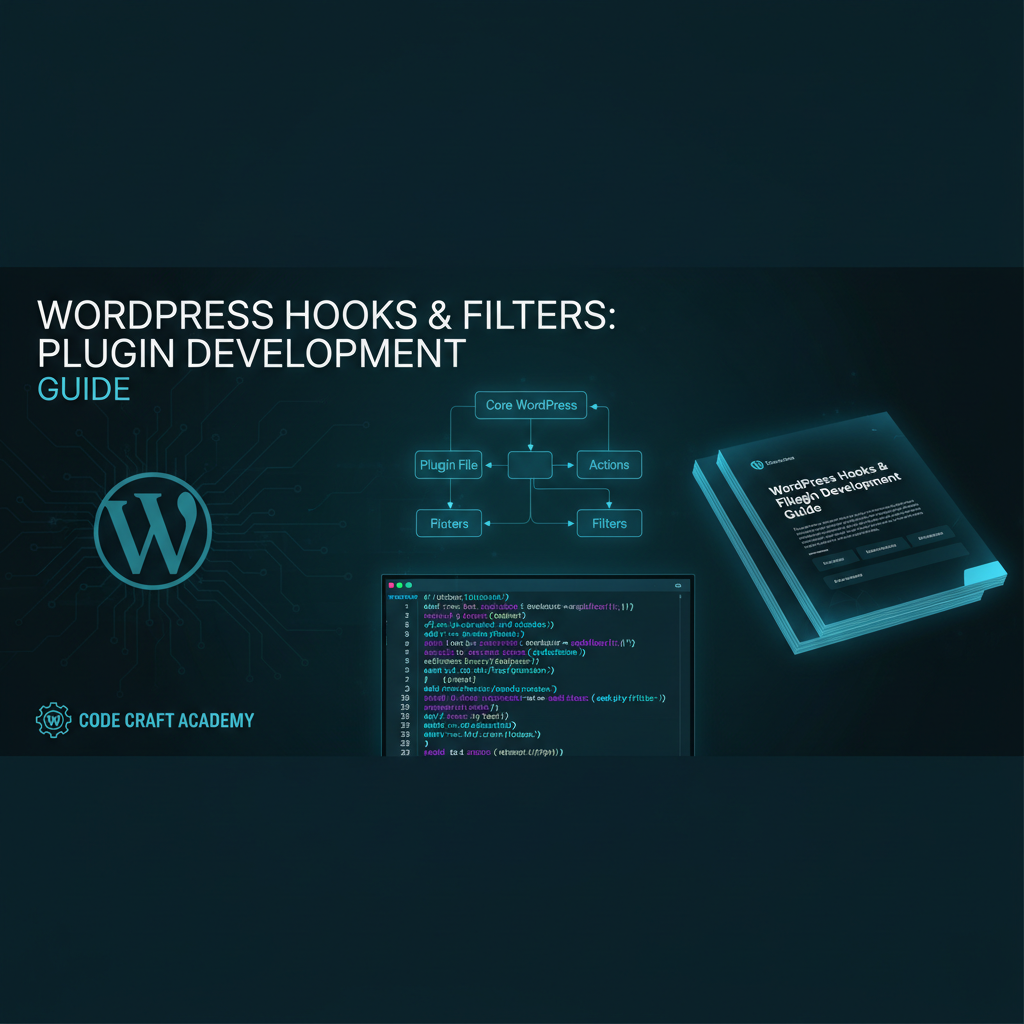
The Hook System
Hooks are WordPress’s plugin API. They allow your code to interact with WordPress core and other plugins without modifying their files directly.
Action Hooks
What Are Actions?
Actions are points in WordPress execution where your code runs. Use add_action() to attach custom functions to specific hooks.
Common Action Hooks
wp_head for header scripts, wp_footer for footer code, admin_menu for admin pages, init for initialization logic.
Filter Hooks
Modifying Data
Filters intercept and modify data before it’s used. Use add_filter() to hook into data processing and customize content.
Filter Examples
the_content modifies post body, the_title modifies post titles, wp_enqueue_scripts for JavaScript/CSS, wp_nav_menu for menu output.
Building Extensible Plugins
Design for Hooks
Create your own action and filter hooks within your plugin. Allow other developers to extend your functionality without modifying code.
do_action() and apply_filters()
Call do_action() to trigger action hooks where you want external code to hook in. Use apply_filters() to allow modification of your data.
Hook Best Practices
Use descriptive hook names. Document available hooks in plugin readme. Consider hook priority and execution order.
Conclusion
Hooks are essential to WordPress development. Understand actions and filters, then build plugins that play well with WordPress and other plugins.