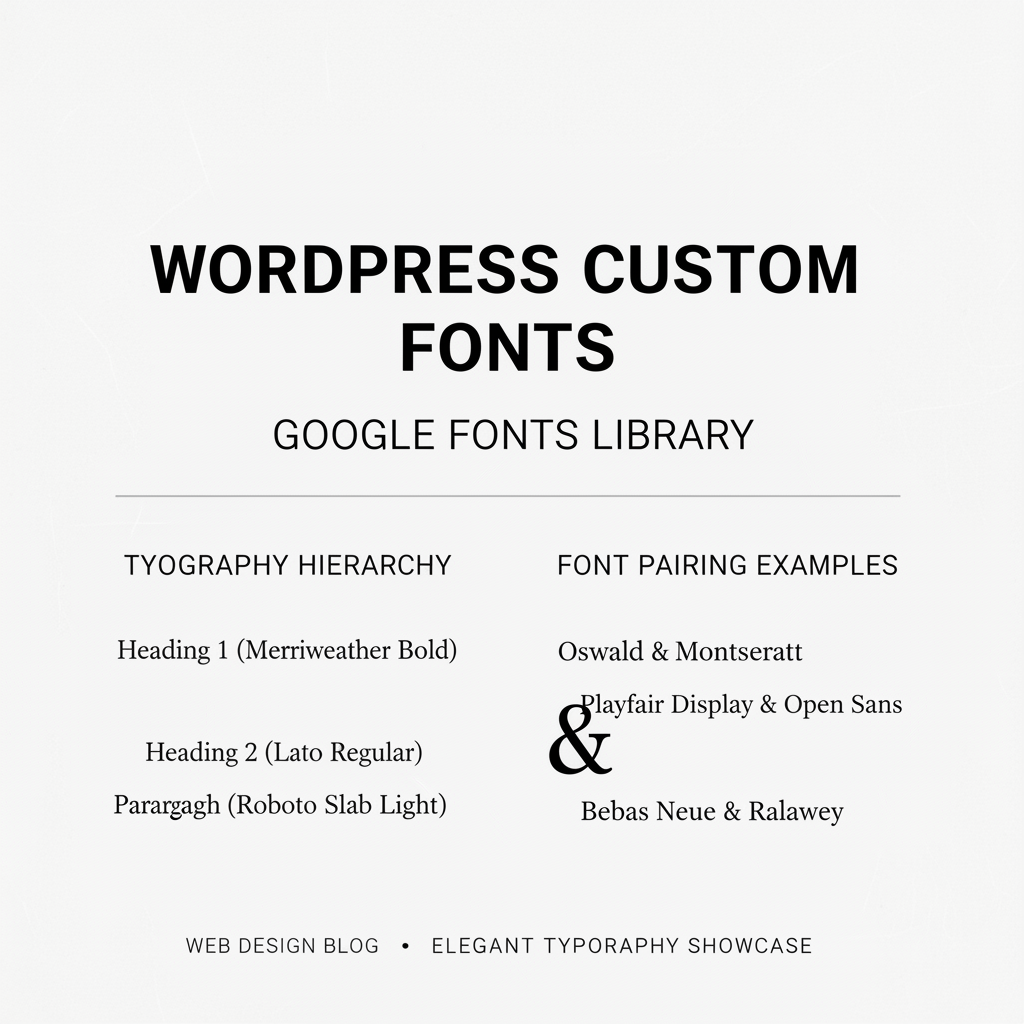
Custom fonts are essential for brand identity and visual hierarchy. WordPress makes it easy to implement Google Fonts, premium typefaces, and system font stacks while maintaining excellent page performance and accessibility.
## Adding Google Fonts to WordPress
Google Fonts offers thousands of free, open-source typefaces. Most WordPress themes include native Google Fonts integration through the customizer. Simply select your preferred fonts, and the theme enqueues them automatically with minimal performance impact.
## Enqueuing Fonts Properly
For custom font implementations, enqueue fonts in your functions.php file with the wp_enqueue_style function. Specify font-display: swap to prioritize text visibility over perfect font rendering, improving Core Web Vitals and perceived page speed.
## Creating Effective Font Hierarchies
Use 2-3 complementary fonts: one for headlines, one for body text, and optionally one for accents. Pair contrasting fonts (serif with sans-serif) or similar fonts from the same foundry. Establish clear size and weight relationships to create visual hierarchy.
## Variable Fonts and Advanced Typography
Variable fonts like Inter and Playfair Display offer multiple weights and styles in a single file, reducing HTTP requests. Use CSS variables (custom properties) to manage font sizes across your site, enabling easier maintenance and responsive adjustments.
## Font Performance Optimization
Limit custom fonts to 2-3 families and 4-5 weights maximum to avoid performance degradation. Use local font hosting instead of CDNs when possible, implement font-display: swap, and use preload links for critical fonts.
## Accessibility and Readability
Ensure sufficient contrast between text and background colors. Use readable line-heights (1.5-1.8) and font sizes (16px minimum). Test readability on various devices and screen sizes before deploying to production.
Custom fonts dramatically impact your WordPress site’s personality and professionalism.